





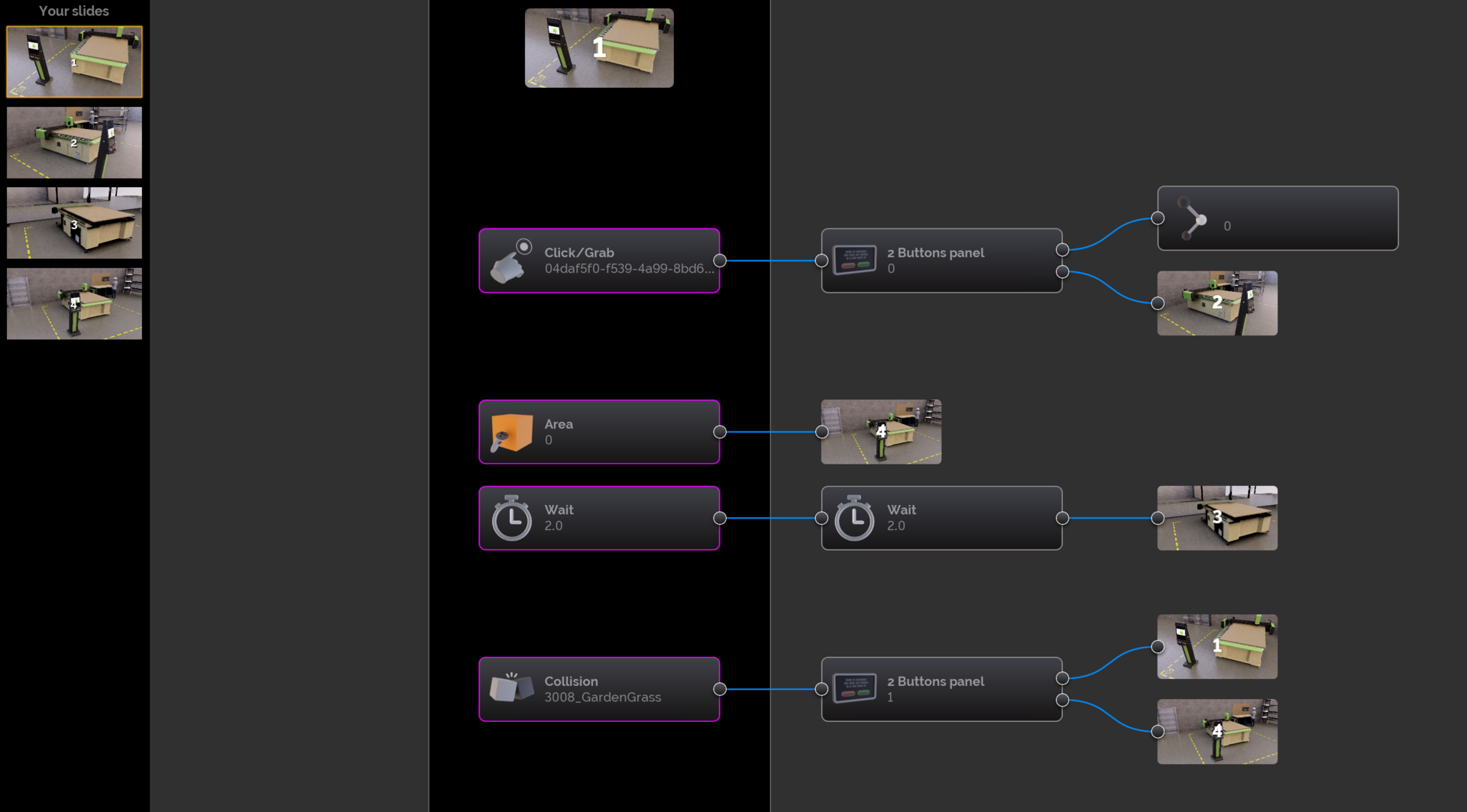
Bring Your Projects to Life with Scenario Mode
Transform your digital mockups into high-impact, immersive experiences.
Whether you aim to create interactive VR or desktop-based scenarios, develop robust product configurators, or deploy advanced machine training programs, Scenario Mode turns that vision into reality. By embedding action triggers directly into your slides, your projects evolve into scripted, fully interactive, and deeply immersive journeys.
- Advanced interactivity: Drive actions, animations, and behavioral logic directly within your VR scenarios for a seamless and intuitive user experience.
- Maximum project impact: Transform your 3D assets into powerful platforms for demonstration, training, or maintenance—delivering immediate clarity to every stakeholder.
- A competitive sales advantage: Empower clients to configure equipment in real time and instantly project themselves into the final solution.
Don’t just present your projects. Make them live, interact, and convince.
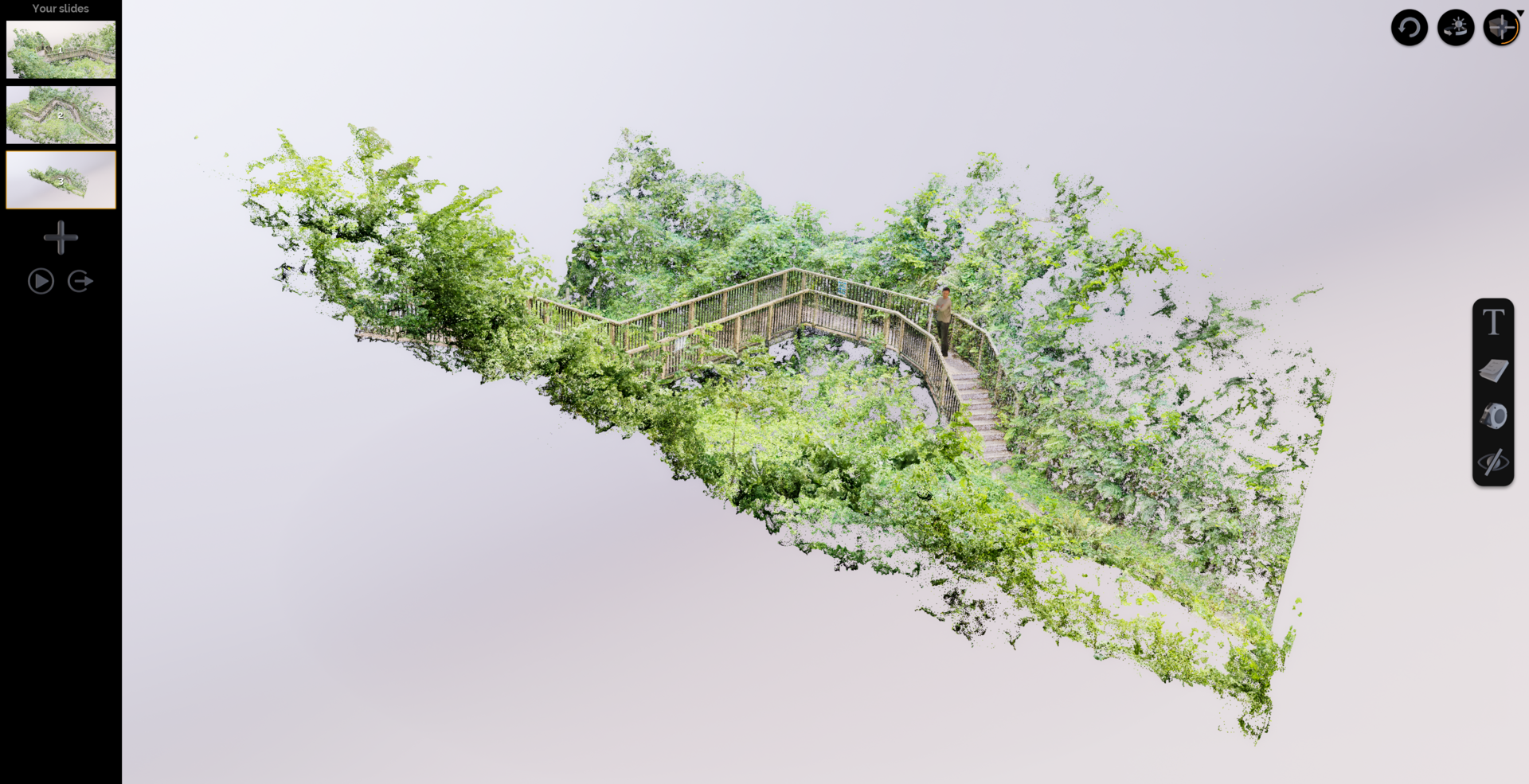
Point Clouds: Design Within Reality
Leverage the real world with uncompromising fidelity.
TopSolid’Virtual now supports the direct import and native rendering of 3D scan point clouds. Adapt and validate your equipment directly within its scanned real-world environment—eliminating the need for geometric approximations or time-consuming surface reconstruction.
- Ultra-precise contextualization: Integrate your projects into their future production environments exactly as they exist, ensuring perfect spatial alignment.
- Rapid scan-to-immersion workflow: Transition from raw 3D scan data to a virtual walkthrough in an instant, bypassing complex conversions and preventing downstream data loss.
Stop modeling on assumptions. Design within the heart of reality.
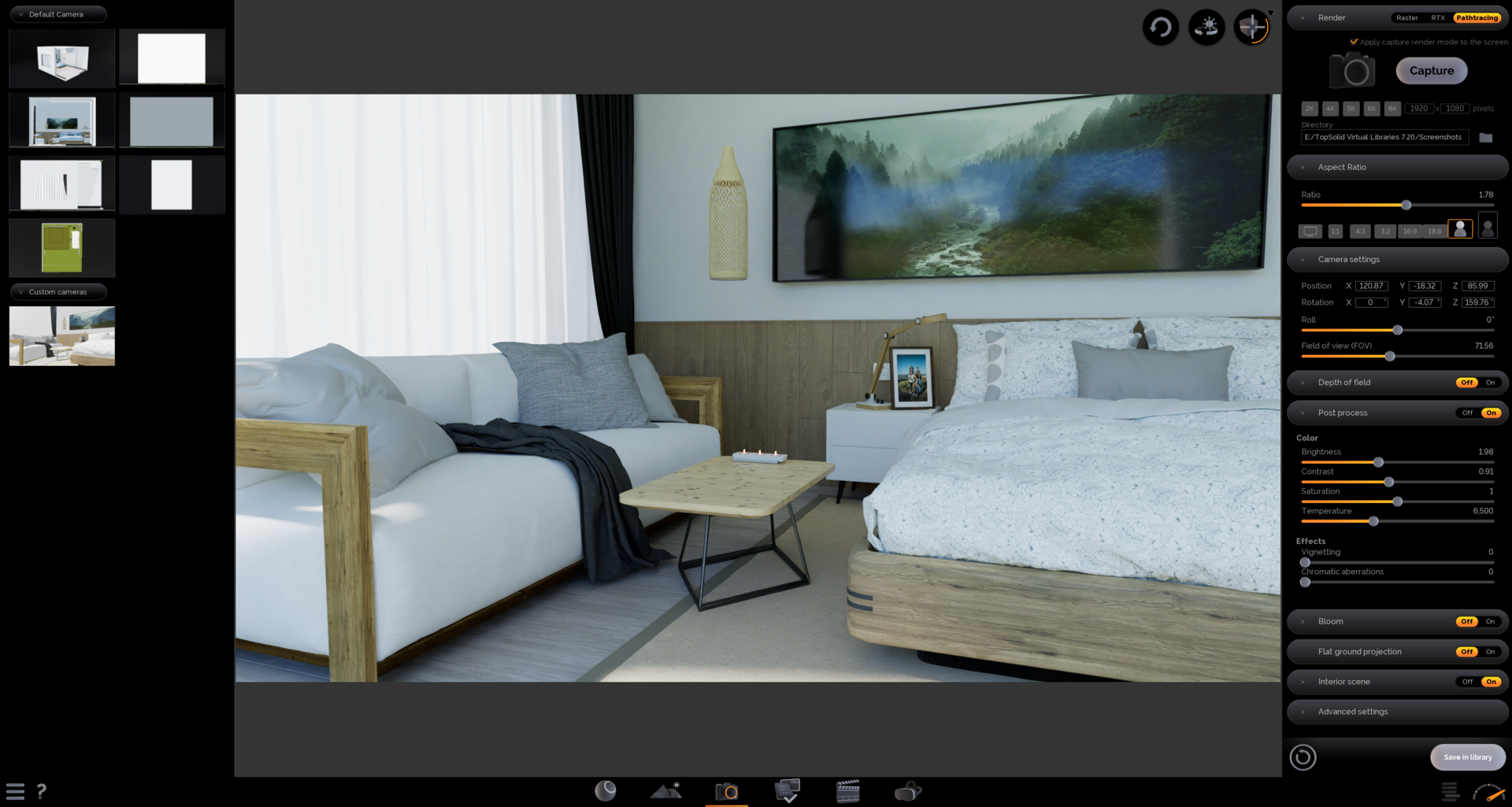
Master Your Visuals with Enhanced Path Tracing and Rendering
Elevate your presentations with total image control.
A new dedicated menu gives you precise control over photorealistic rendering, aspect ratios, and camera preset management. The upgraded Pathtracing engine reaches new heights with integrated real-time denoising, delivering exceptional visual fidelity combined with smooth, responsive navigation.
- High-fidelity rendering: Achieve breathtaking realism through advanced light transport and material simulation.
- Frictionless experience: Explore complex scenes at maximum quality with zero latency, powered by intelligent denoising.
- Visual standardization: Maintain aesthetic consistency by reusing your optimized camera settings across all projects.
Realism is no longer a compromise. It’s an immediate, seamless experience.
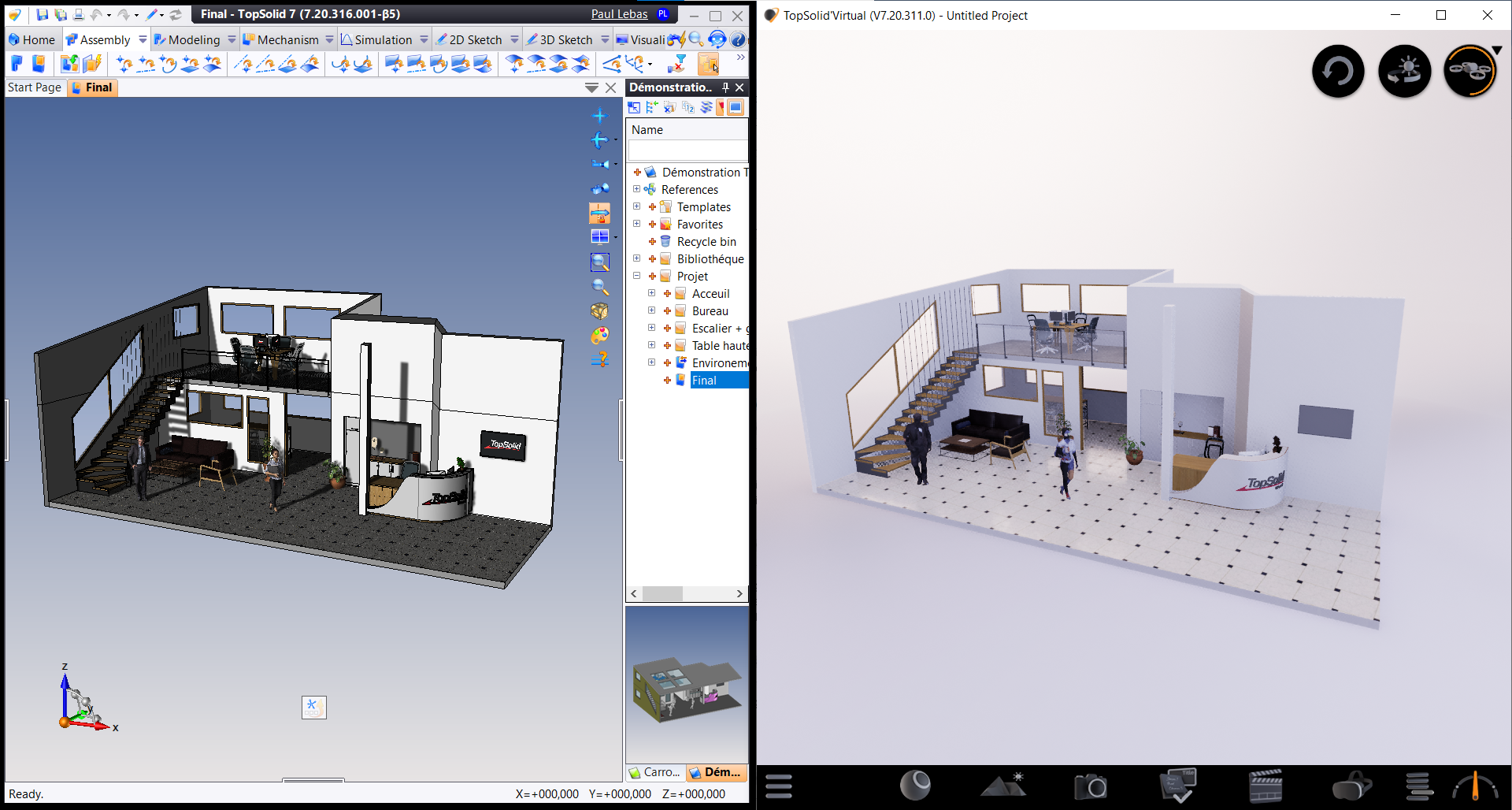
Update Your Virtual Projects from TopSolid in a Single Click
Protect your staging investment throughout the CAD revision cycle.
Your Virtual project features high-end textures and lighting, yet the engineering model continues to evolve in TopSolid. With the enhanced TopSolid’Virtual Link, you can synchronize your virtual scene in a single click: modified CAD components are intelligently replaced while preserving your visual settings and material assignments.
- Instantaneous updates: Reflect design changes immediately—no need to restart your staging or environment setup.
- Preserved materials: Maintain your entire texturing and lighting workflow, even as the underlying geometry changes.
- Synchronized workflow: Ensure your immersive experience remains perfectly aligned with the latest engineering release at all times.
Let your design evolve; TopSolid’Virtual Link handles the continuity.
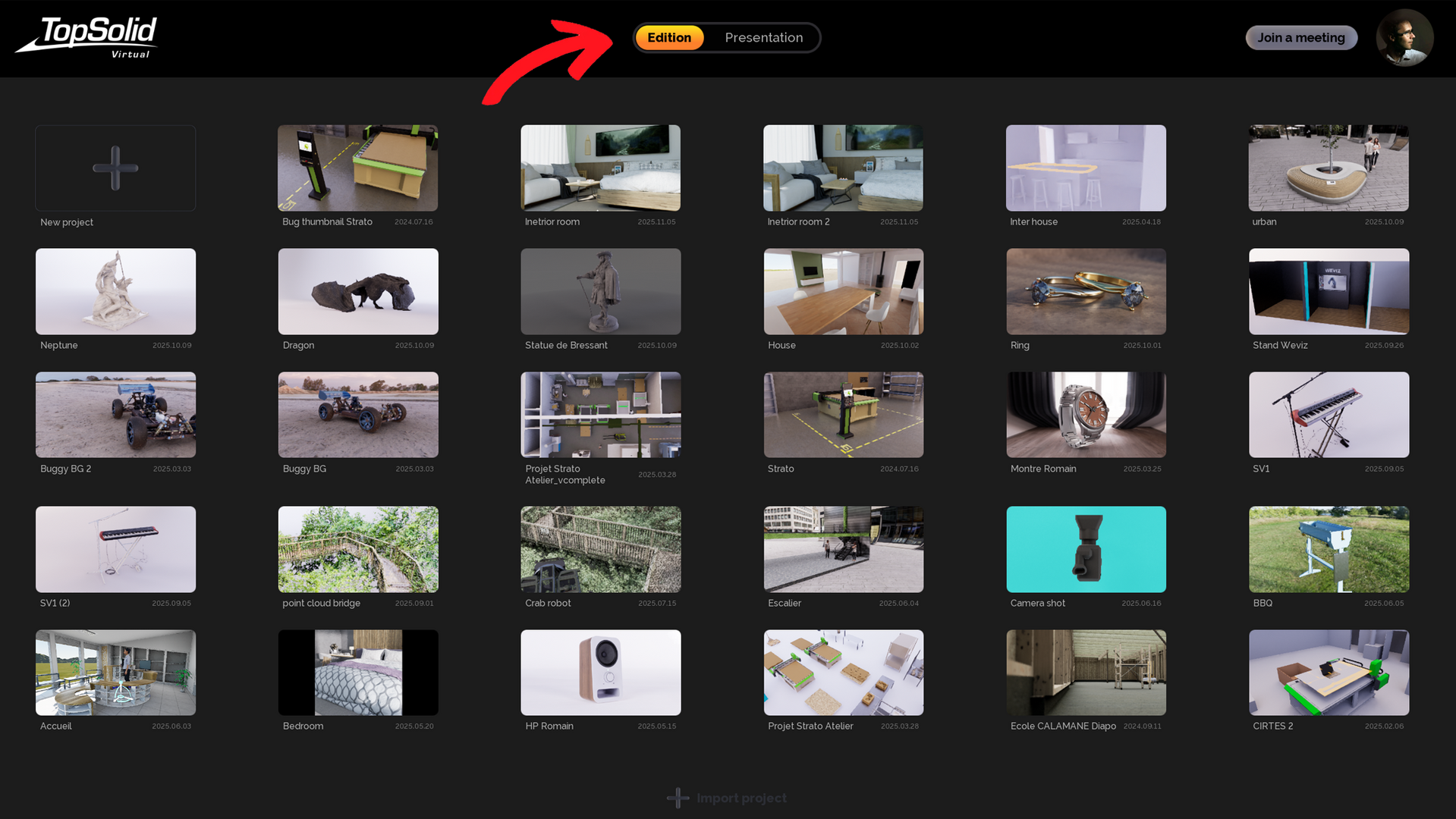
Focus the Audience with Presentation Mode
Deliver a clear, distraction-free immersive experience.
Presentation Mode is engineered to showcase your projects with absolute clarity. The interface is intentionally streamlined to the essentials: fluid scene navigation and seamless slide transitions, fully optimized for both VR headsets and desktop displays.
- Curated immersion: Guide stakeholders through a high-fidelity tour of their future project, allowing them to experience it as an existing reality.
- Ease of use: Eliminate technical complexity for an immediate, user-centric experience.
Command the narrative. Focus the attention exactly where it matters.
Need more information